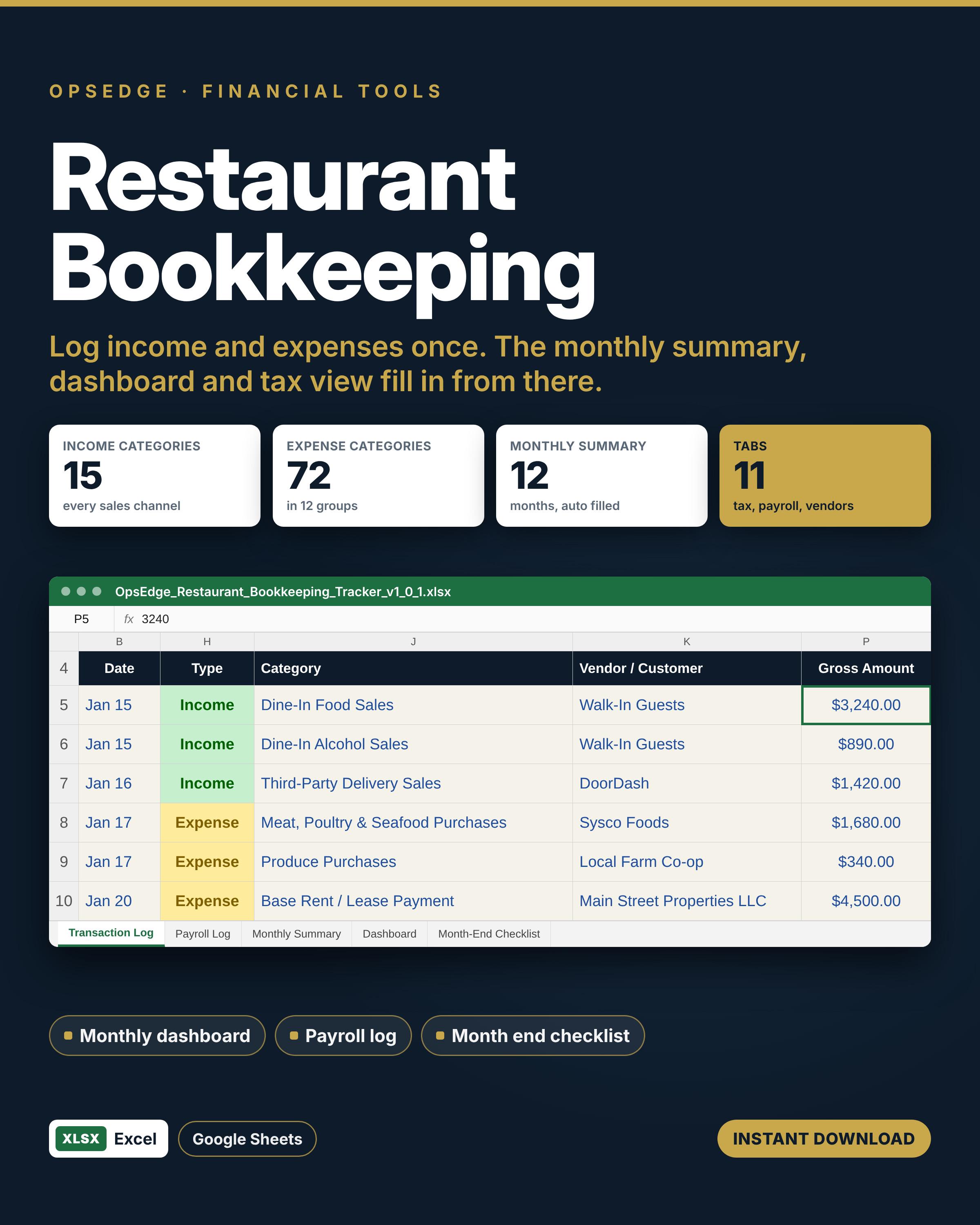
Log income and expenses as they happen and get a monthly summary, dashboard and tax view, so you hand your accountant a clean year.
Keep your own books without an accounting degree. Log income and expenses as they happen, see where the money goes each month, and hand your accountant a clean year at tax time.
Owners of small restaurants, cafes, food trucks and bars who do their own bookkeeping or want cleaner records before handing them off.
One Excel file that also runs in Google Sheets. Set up your categories once, then log weekly and close each month with the checklist.
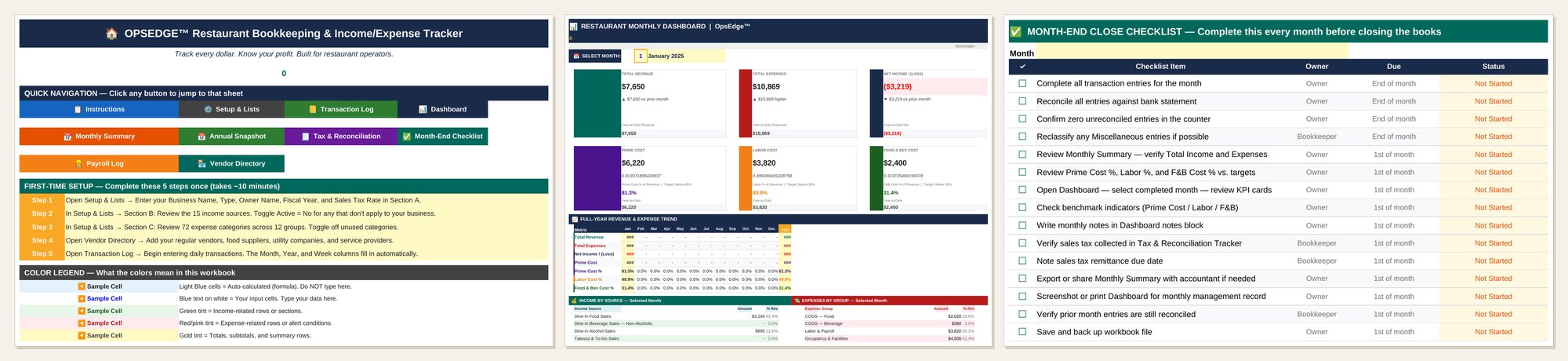
You only type in three places: the Transaction Log, the Payroll Log and the Vendor Directory. Everything else calculates.
For sales you do not need a row per ticket. Enter one income row per day for each sales type, such as dine in, takeout and delivery, straight from your POS report. For a pay run, enter the hours and rate. Thirty two regular hours and four overtime hours at $18 comes to $684 in gross wages, because overtime is counted at time and a half, and the taxes and benefits you add bring it to the true labor cost.
The dashboard then measures you against three targets: prime cost below 65 percent of revenue, labor below 35 percent and food and beverage cost below 32 percent.
Pick this one if you want a clean record of every dollar in and out. It is a log, not a P&L statement. If you want budget against actual and prior year, the Restaurant P&L Statement and Prime Cost Dashboard picks up where this one stops. To balance the drawer every night, see the Daily Sales Report and Cash Reconciliation. The routine itself is laid out in our restaurant bookkeeping guide.
Does this replace accounting software?
For a small single location it can carry the year. It does not connect to your bank or file anything for you, and your accountant still prepares the return.
Can I add my own categories?
Yes. Rename or add categories on the Setup tab and the dropdowns follow.
Does it handle more than one location?
Every transaction has a location field, so you can log several outlets in one file.
How are delivery app sales entered?
Enter the gross sale and put the platform fee in its own column, so you see both what you sold and what you kept.
Does it work in Google Sheets?
Yes. Upload it to Google Drive and open it with Google Sheets.
How do I get the file?
Checkout is through our Etsy shop and the file is ready to download right after purchase.
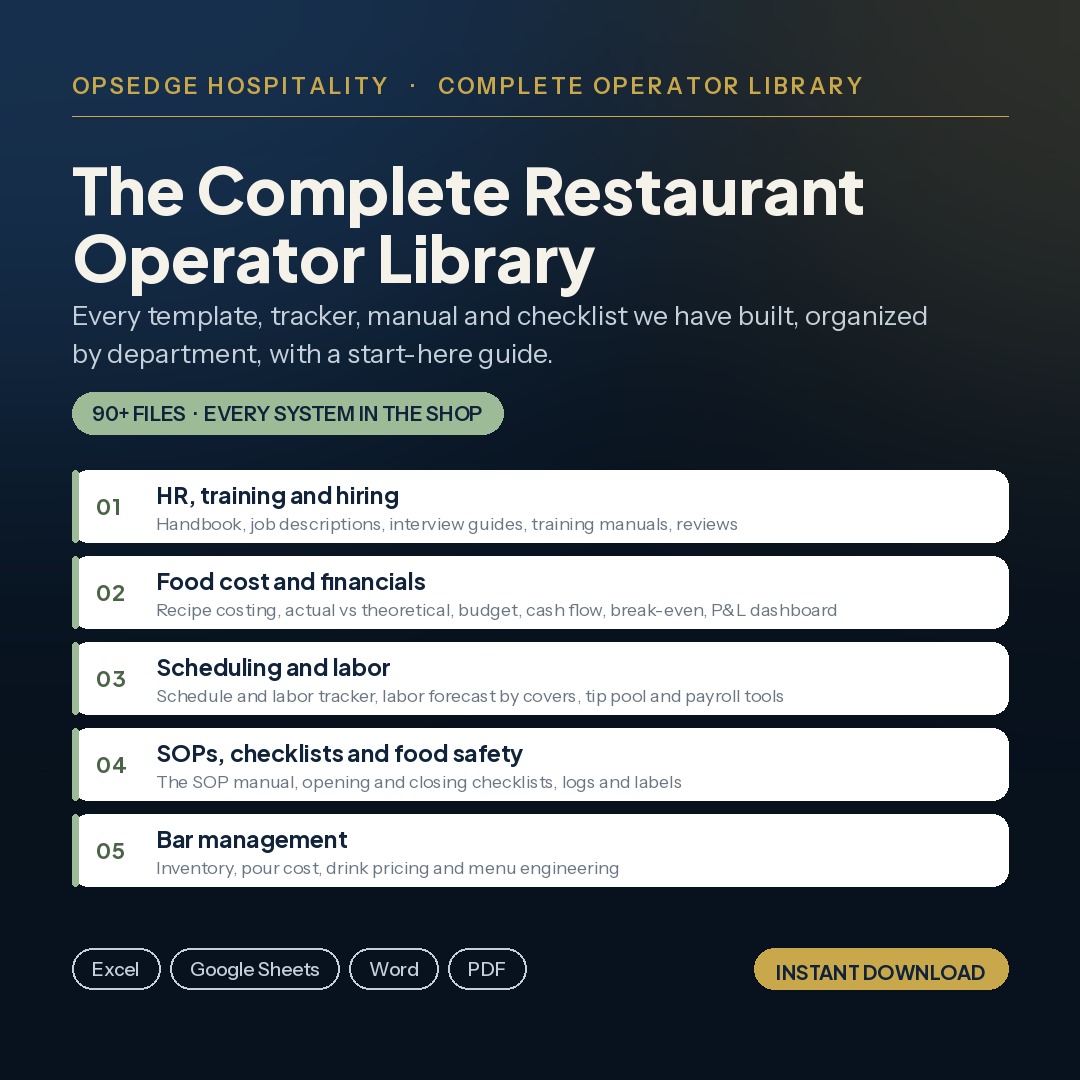
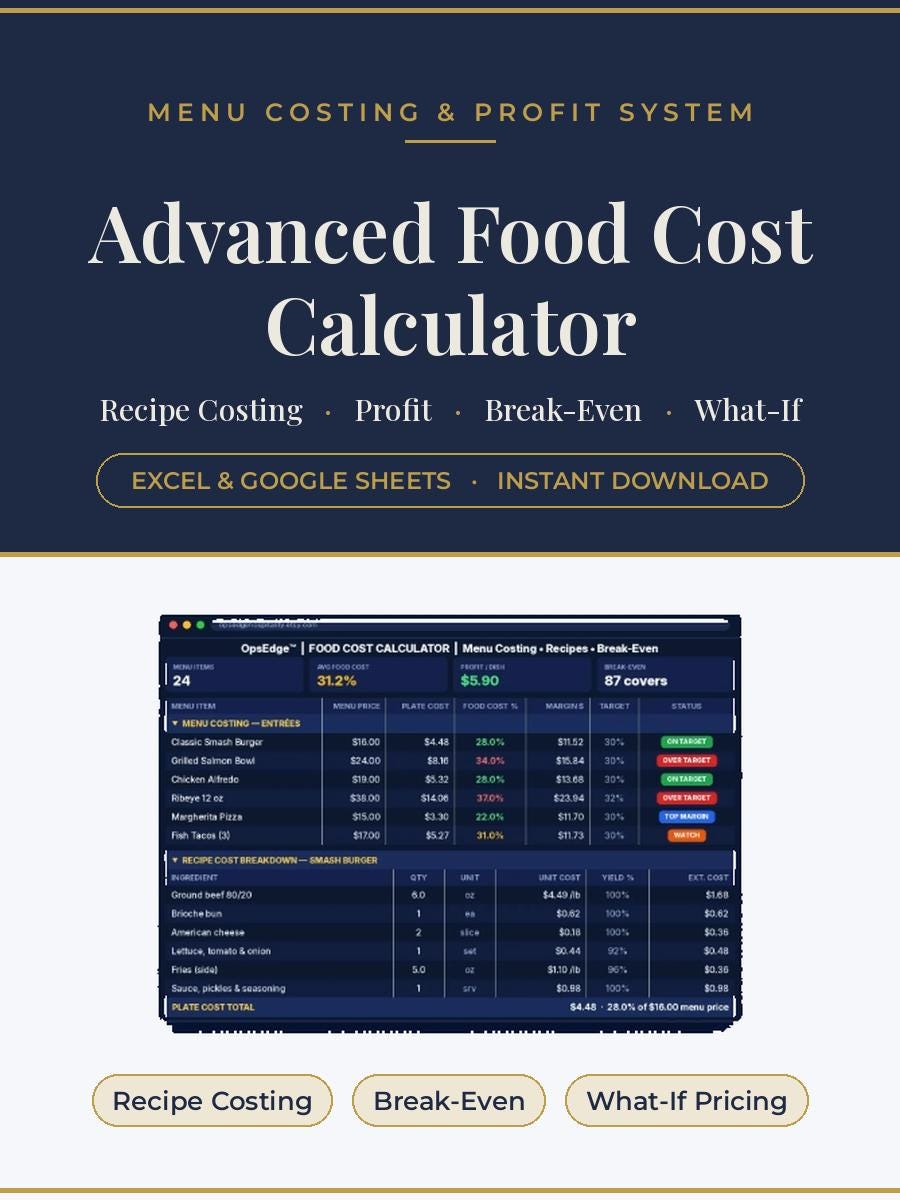
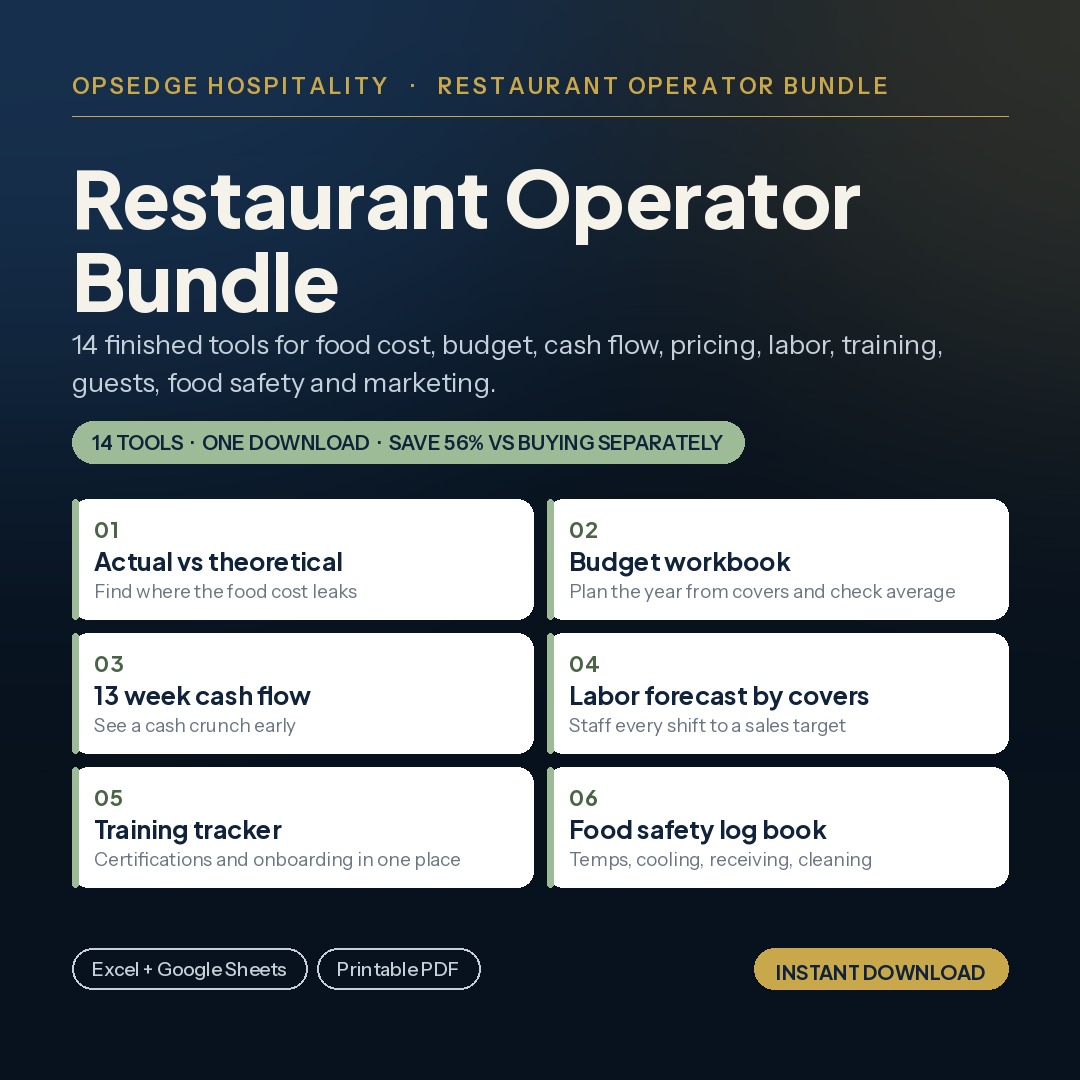
A few of the most used tools in the OpsEdge catalog.