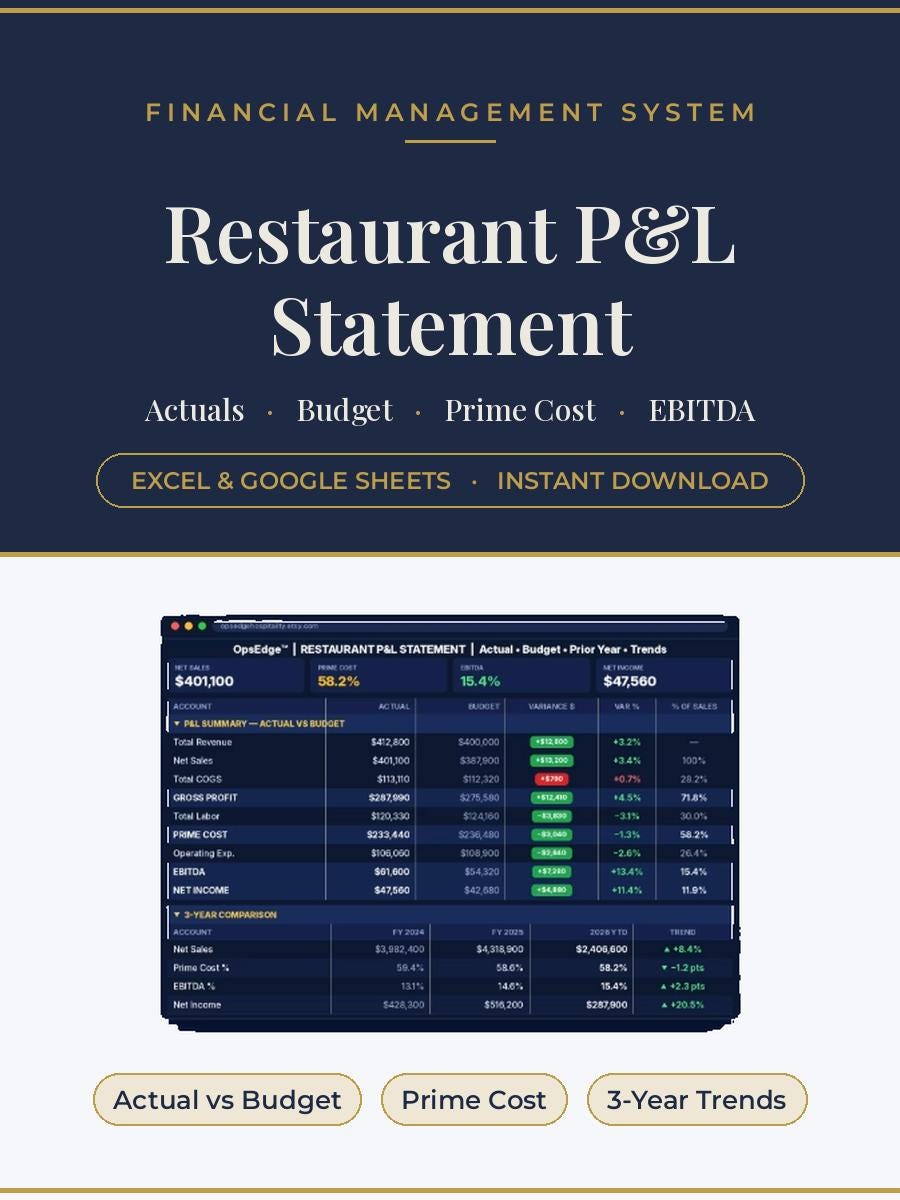
Read your P&L the way an owner needs it: prime cost, budget vs actual, cash flow and three-year trends, with a playbook on what to do about it.
One workbook that reads your P&L the way an owner needs it read: prime cost, budget versus actual, cash and the weekly number, with a playbook that explains what to do about each.
Owners, GMs and controllers who receive a P&L from the bookkeeper and need to act on it.
Excel and Google Sheets. Enter monthly figures and set targets once. Our prime cost guide covers the targets and benchmarks.
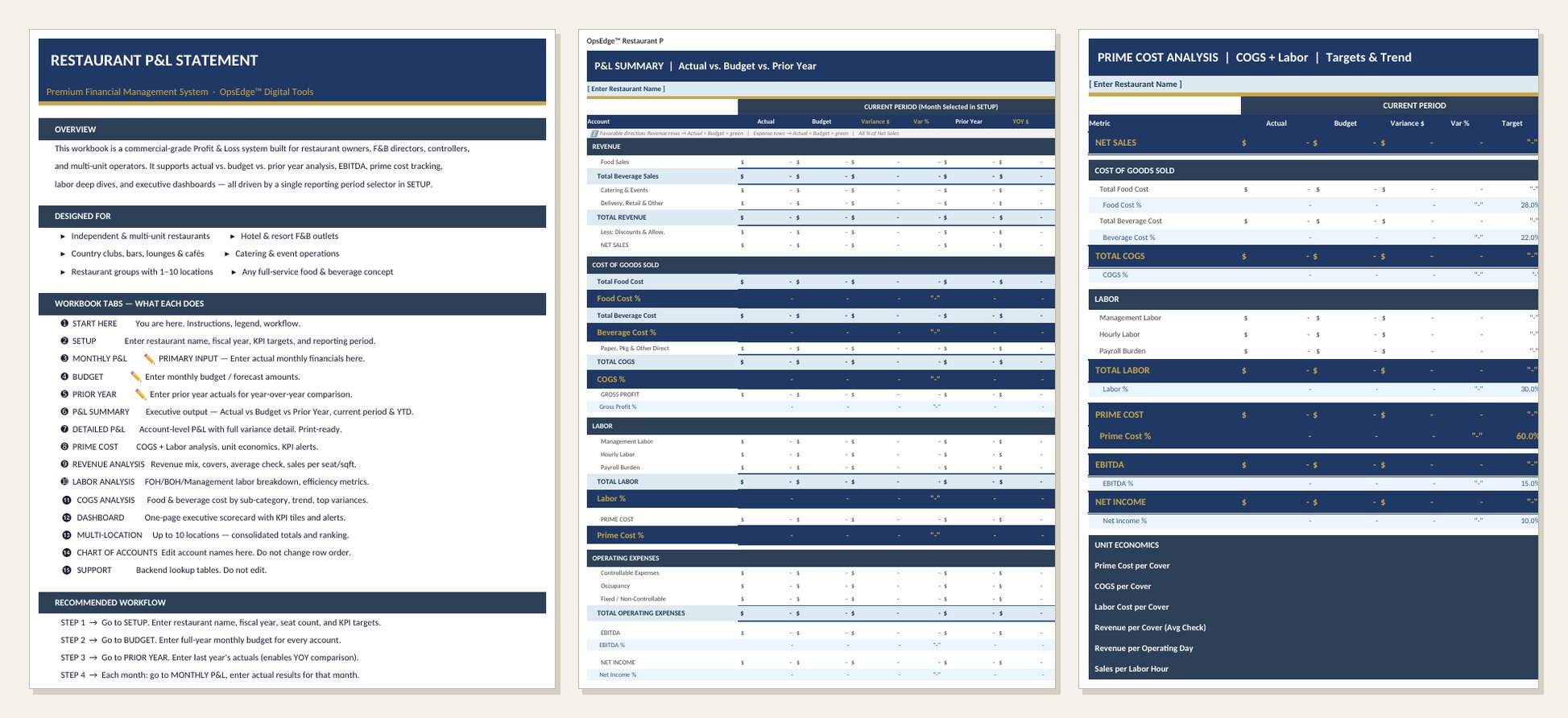
Set it up once: targets on the Setup tab, a budget for the year and last year's actuals. The file starts with targets of 28 percent food cost, 22 percent beverage cost, 30 percent labor and 60 percent prime cost, and you can change every one.
Then each month you enter that month's actuals and change one cell, the reporting period. Every report moves to the new month. Say net sales were $100,000 with $31,000 in cost of goods and $32,000 in labor. Prime cost is $63,000, or 63 percent, three points over a 60 percent target, and the Prime Cost tab flags it. Every percentage in the file is measured against net sales, after discounts, so your numbers match what your accountant reports.
Pick this one if you already have monthly numbers and want to see them against a budget and last year. If you still need to capture the transactions, start with the Restaurant Bookkeeping Spreadsheet. To build next year's plan first, see the 2027 Restaurant Budget Workbook. Our restaurant P&L guide walks through every line, and the prime cost guide covers the targets.
Does it come with sample numbers?
No. The reports arrive blank and fill in as you enter your own months.
What kind of operation is it set up for?
Full service, quick service, bars and lounges, cafes and bakeries, hotel outlets, country clubs, catering and food trucks. You choose the concept type on the Setup tab.
Does it calculate EBITDA?
Yes. It adds back depreciation, amortization and interest, so those rows need to be entered.
How do I start a new year?
Save a copy, rename it and clear the monthly inputs. Your account names and targets stay.
Does it work in Google Sheets?
Yes. Upload it to Google Drive and open it with Google Sheets.
How do I get the file?
Checkout is through our Etsy shop and the files are ready to download right after purchase.
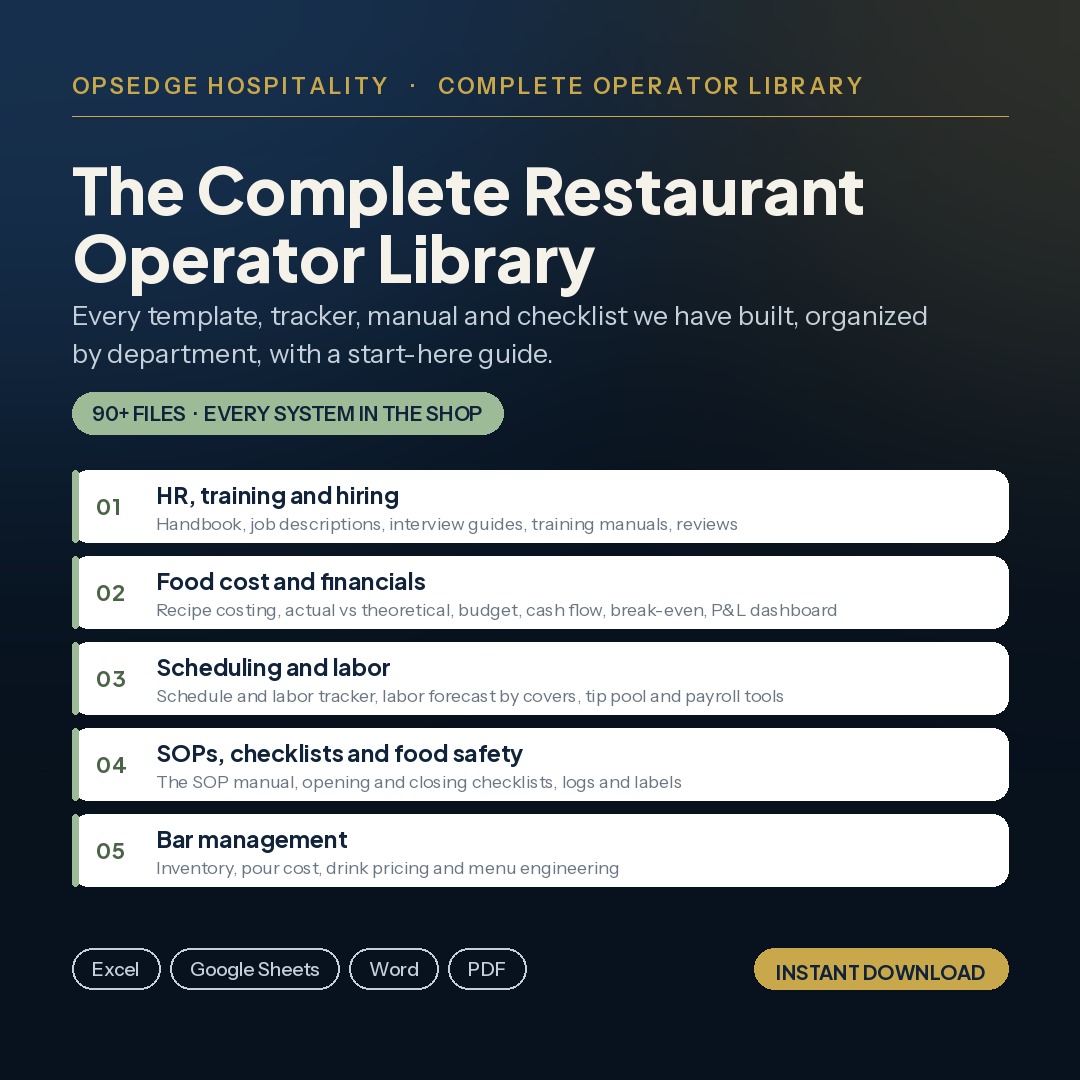
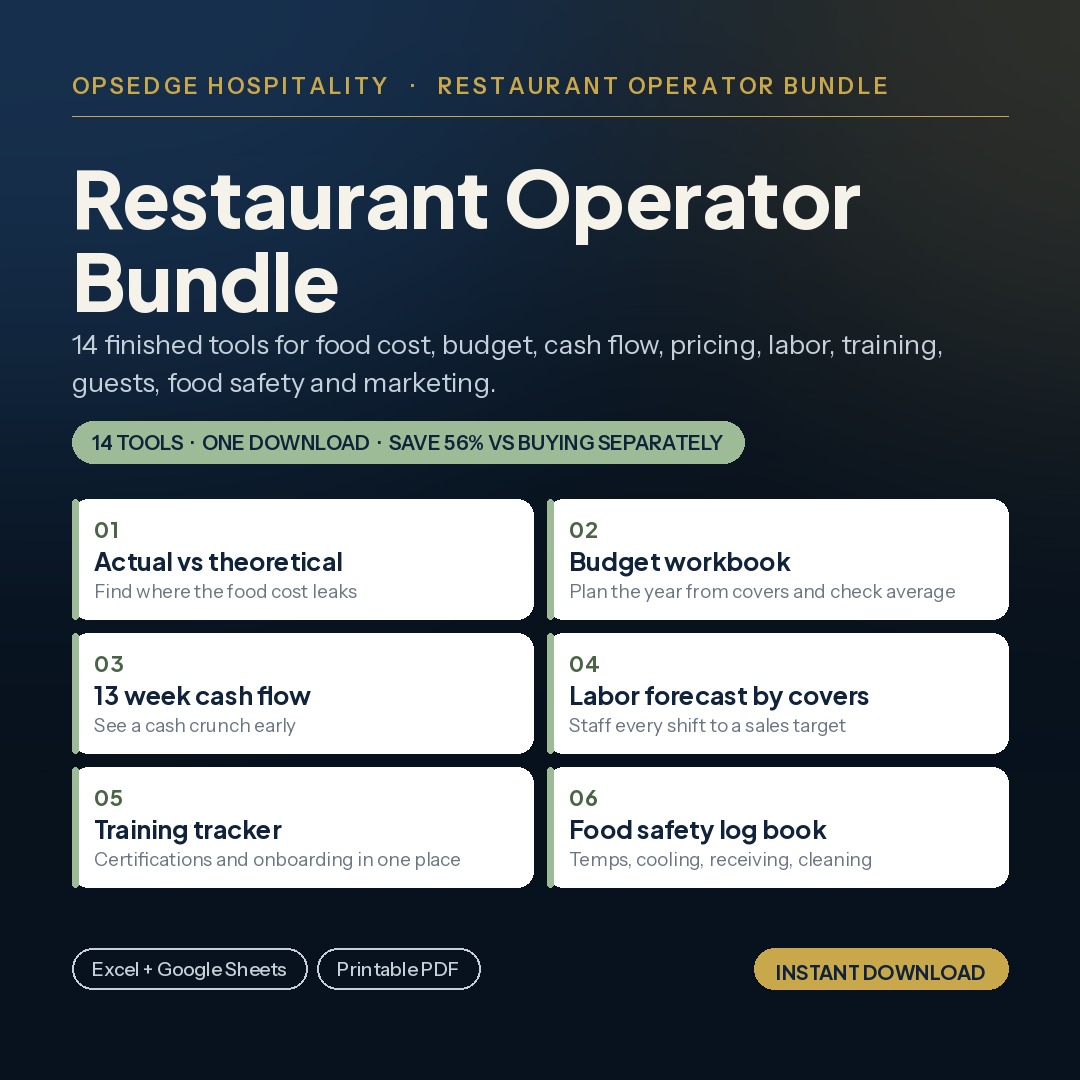
A few of the most used tools in the OpsEdge catalog.